digitisation
digitisation is the first step: what you do manually today becomes digital.
a paper form becomes an online form, email requests become structured requests you can track.
the result is less friction, more clarity.
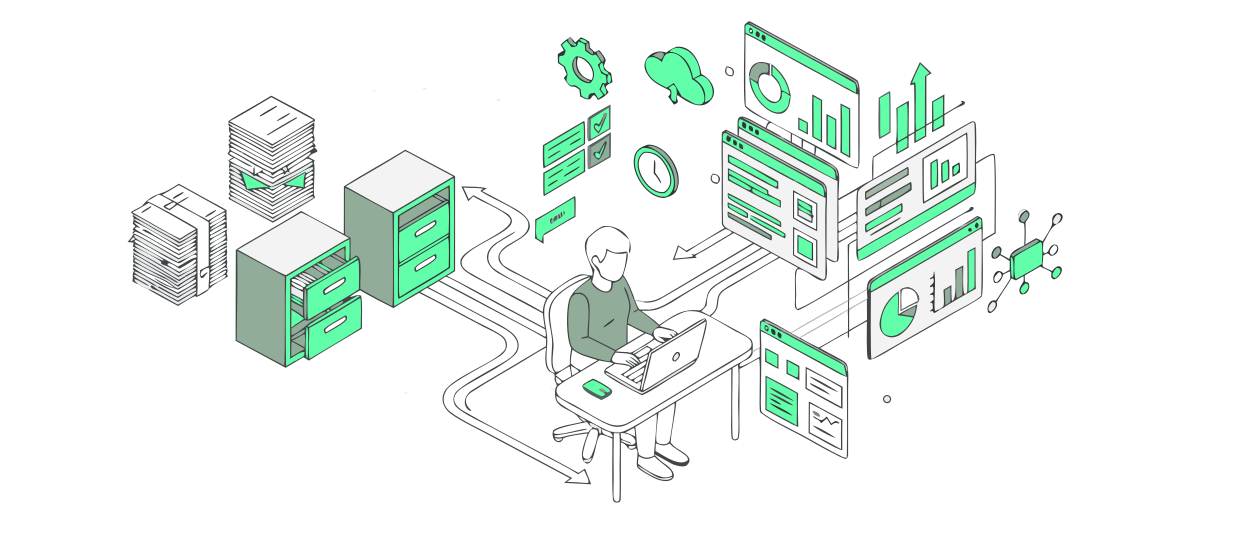
stop doing manually what a system could do for you. for most businesses it comes down to one or two things that are slower, more expensive or more error-prone than they need to be. sometimes the fix is a small thing, sometimes a whole system. usually somewhere in between. we build the custom web applications that solve it. from scratch, for your specific situation.
find your hard waysigns your business needs to digitalise
these are the most common signs a business is ready to digitise or digitalise its processes. and it’s usually where we start.
let’s separate the terms: digitisation vs digitalisation
digitisation is the first step: what you do manually today becomes digital.
a paper form becomes an online form, email requests become structured requests you can track.
the result is less friction, more clarity.
digitalisation is what comes after digitisation: once a digital foundation is in place, you can actually change how your business runs.
that means automating a process entirely, giving customers a portal, or connecting systems that always used to need a person in the middle.
understanding the difference between digitisation and digitalisation is the first step to knowing where to start. and that’s where we come in.
business digitalisation in practice
not magic. just a better system.
that is what digitising a manual business process looks like: less admin, faster results, happier customers.
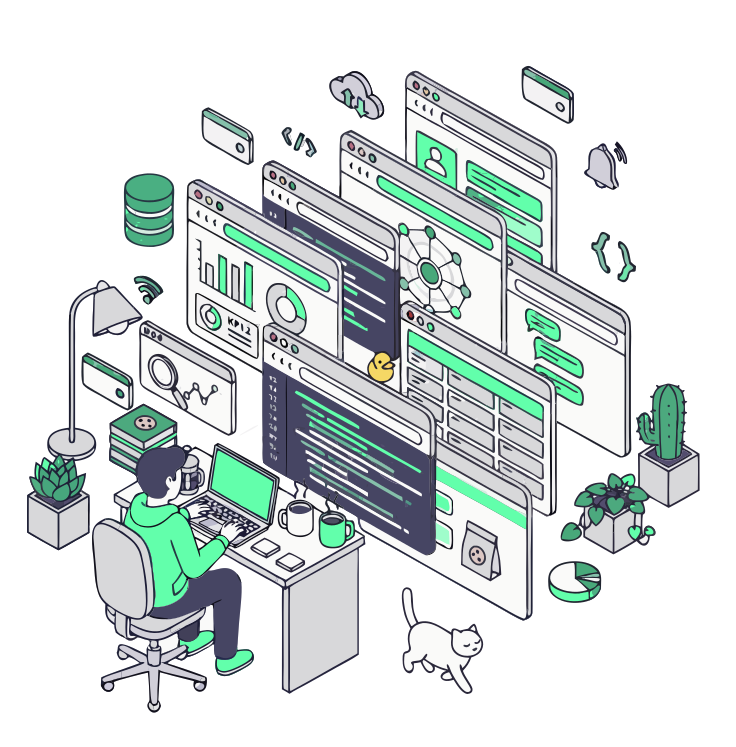
ai is great at repetitive, pattern-heavy work: sorting, summarising, writing a first draft, flagging the odd one out. it’s not great at judgement, accountability, or anything where being confidently wrong is expensive. we use it where it saves you time, and keep a human on the decisions that matter.
usually something quiet and useful: a search that actually understands the question, a draft reply that’s 90% there, a document that reads itself and fills in the form. not a chatbot bolted onto the homepage, but a feature that removes a step you do every day.
at its core it’s pattern-matching at scale: it has seen a lot of examples and predicts the most likely next piece. that’s why it’s brilliant at language and terrible at guarantees. knowing that is the difference between using ai well and being surprised by it.
drop us a message. questions, projects, or just to say hi. we code. we design. we answer emails.